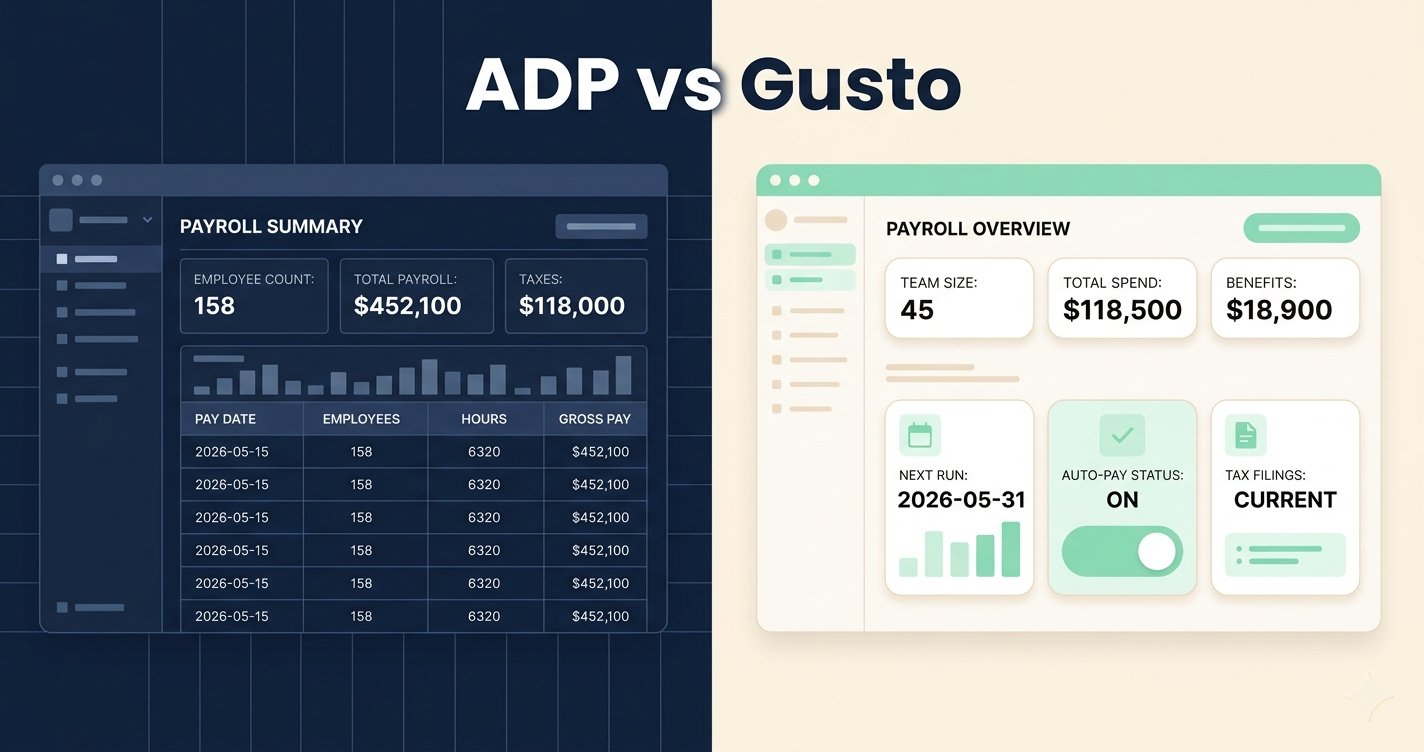
ADP vs Gusto for Small Business (2026): Which Payroll Is Actually Worth It?
ADP vs Gusto for Small Business (2026): Which Payroll Is Actually Worth It?
If you’re running payroll manually in a spreadsheet or writing paper checks, you’re already paying: time, IRS penalties, and stress. Choosing between ADP vs Gusto for small business comes down to one question: do you need enterprise-grade infrastructure, or do you need something you can actually figure out on a Tuesday night before payday?
For most small businesses under 20 employees, Gusto wins. It’s cheaper, easier to set up, and transparent about what you’ll pay. ADP makes sense if you’re growing fast toward 50+ employees and want to avoid switching platforms mid-scale. The price gap is real: a 10-person team pays roughly $109/month on Gusto Simple vs. $120+ on ADP Essential before add-ons.
ADP vs Gusto for Small Business: What You’re Actually Comparing
Both platforms handle the fundamentals: payroll processing, direct deposit, federal and state tax filing (W-2s, 1099s, quarterly 941 forms), and an employee self-service portal where staff can download pay stubs. The difference is in complexity, pricing transparency, and who they were actually built for.
Gusto was built from scratch for small businesses. The interface is clean, pricing is listed publicly, and the onboarding walks you through each step. ADP’s small business product, called RUN Powered by ADP, is a stripped-down version of software originally designed for enterprises with HR departments. That context explains a lot about both its strengths and its friction points.
Gusto lists exact prices on its website. ADP requires a custom quote, and actual costs typically run higher than the starting number suggests.
Gusto’s onboarding is self-guided and takes most businesses under an hour. ADP typically involves a sales call and an implementation process.
ADP scales from 1 to 1,000+ employees on the same platform. Gusto caps out practically around 100 employees before the cost advantage disappears.
Both connect to QuickBooks and Xero. Gusto adds 150+ integrations including Slack, Asana, and FreshBooks. ADP integrates deeper with enterprise ERP systems.
Pricing Breakdown: ADP vs Gusto for Small Business in 2026
This is where the decision usually gets made. Gusto raised its Simple plan 23% in March 2026, so the old $40 base price is gone. Here’s what both platforms actually cost today.
Gusto Plans (2026 pricing)
- Unlimited payroll runs
- Full tax filing (W-2, 1099, 941)
- Employee self-service portal
- Basic PTO tracking
- Single-state only
- Everything in Simple
- Multi-state payroll
- Time tracking included
- Next-day direct deposit
- Advanced PTO policies
- Everything in Plus
- Dedicated HR advisor
- Compliance alerts
- HR resource center
- Priority support
ADP RUN Plans (2026 pricing)
ADP does not publish pricing. The numbers below are based on multiple verified third-party sources and reported customer invoices. Your actual quote will vary based on headcount, payroll frequency, and which add-ons the sales rep includes.
- Payroll processing
- Tax filing included
- Direct deposit
- Employee self-service
- No time tracking
- Everything in Essential
- Check signing
- SUI management
- Background checks
- ZipRecruiter integration
- HR HelpDesk access
- Employee handbook tool
- HR advisory services
- Legal assistance (HR Pro)
- Time tracking included
Before your ADP sales call, pull a quote from Gusto first. Log into gusto.com/product/pricing, enter your employee count, and screenshot the exact monthly total. Bring that number into the ADP call. It’s the only leverage you have on a platform that negotiates pricing case by case.
Head-to-Head: Where ADP and Gusto for Small Business Actually Differ
| Feature | Gusto Simple | ADP Essential |
|---|---|---|
| Base price (10 employees) | $109/mo Lower | ~$119/mo |
| Pricing transparency | Listed publicly Yes | Quote only |
| Setup process | Self-guided, ~1 hour Faster | Sales-assisted, days |
| Time tracking | Add-on ($15+/mo) | Complete/HR Pro only |
| Multi-state payroll | Plus plan and above | All plans |
| Tax error guarantee | Yes | Yes Both |
| Mobile app | Gusto Wallet (employee) | ADP Mobile (employer + employee) More robust |
| Scales past 50 employees | Gets expensive | Workforce Now upgrade Smoother |
| QuickBooks integration | Yes | Yes |
| Contract required | No: month to month Flexible | Annual contract typical |
Tax Filing: Both Cover the Basics
Both platforms file federal, state, and local payroll taxes automatically: Form 941 quarterly, W-2s at year-end, and 1099s for contractors. Both also guarantee accuracy: if they make a filing error, they pay the IRS penalty. This is table stakes for any payroll platform in 2026, so it’s not a differentiator.
Where ADP Has a Real Edge
If you operate in multiple states right now, ADP handles multi-state payroll on every plan. Gusto locks multi-state behind the Plus tier ($80/mo base). For a restaurant group with locations in Florida and Georgia, that matters. ADP’s mobile app is also more capable for managers. Employers can approve timecards, run off-cycle payroll, and view reports on mobile. Gusto’s app is employee-facing (pay stubs, benefits), not employer-facing.
Where Gusto Has a Real Edge
No annual contract. You can cancel month to month. That alone is meaningful for a business that might switch tools as it grows. Gusto also integrates with 150+ third-party apps out of the box, including scheduling tools common in restaurants and salons. And the onboarding is genuinely self-service. You don’t need to schedule a call with a rep who will try to upsell you on features you don’t need.
A barbershop owner in Hialeah came to me last year after getting hit with a $340 IRS penalty for a late 941 quarterly filing. He’d been running payroll in a notebook and paying a bookkeeper $150 a month just to handle the paperwork. We set him up on Gusto Simple for $79/month for his five employees, connected it to his QuickBooks, and the first payroll run took 22 minutes. The bookkeeper now just reviews the reports. He hasn’t had a late filing since.
— Carlos Mendoza, Network Engineer · Miami, FL📋 How to Switch to Gusto from Manual Payroll
Go to gusto.com, click Get Started, and select the Simple plan. Have your EIN (Employer Identification Number), business bank account details, and employee SSNs ready before you start.
Under Company Setup, enter your federal and state tax IDs. Gusto will verify them against IRS records. This step takes 24 hours if your EIN is new.
Go to People and add each employee. Enter their legal name, address, pay rate, and pay schedule. Gusto sends each employee an email invitation to enter their own bank account for direct deposit.
Under Payroll, select your first pay period and click Run Payroll. Review hours and amounts, then click Submit. Gusto processes direct deposits within 2 business days (4 days on the first run).
Connect your accounting software under App Directory: search QuickBooks or Xero and click Connect. All future payroll entries sync automatically to your chart of accounts.
Who Should Pick Gusto vs ADP for Small Business
✓ Choose Gusto if…
- You have under 20 employees in one or two states
- You want to set it up yourself without a sales call
- You need month-to-month flexibility
- You’re already using QuickBooks, Slack, or FreshBooks
- Budget predictability matters: no surprise invoice items
✗ Choose ADP if…
- You’re growing toward 50+ employees and don’t want to switch platforms
- You operate in 3+ states right now
- You need a robust employer-facing mobile app
- You want dedicated HR advisors on call (HR Pro tier)
- Your accountant already uses ADP and prefers staying on it
Who Should (and Shouldn’t) Use Each Platform
The short version of the ADP vs Gusto small business decision: if you can see yourself on Gusto for the next 2 years without outgrowing it, start there. The pricing is honest, the setup is fast, and the month-to-month contract means you’re never locked in. If you’re already at 30 employees or scaling fast, take the ADP sales call. The platform’s long-term scalability is real, and migrating payroll systems mid-growth is painful.
Ready to Stop Running Payroll Manually?
ADP handles payroll, tax filings, and compliance for businesses of every size. Get a custom quote and see what it would cost for your team.
Get Your Free ADP Quote →