Microsoft 365 for Small Business: Which Plan Is Right for You in 2026
Microsoft 365 for Small Business: Which Plan Is Right for You in 2026
If you’re running a small business and still paying for Microsoft Office as a one-time purchase, or worse, sharing one login across your whole team, you’re leaving security gaps and paying more than you need to. Microsoft 365 for small business comes in three plans, and picking the wrong one costs you either money or protection. Here’s exactly how to choose.
For most small businesses with 2 to 15 employees, Microsoft 365 Business Standard at $12.50/user/month is the right call: you get desktop Office apps, business email, Teams, and 1 TB of cloud storage per person. If you handle sensitive customer data or have staff on multiple devices, step up to Business Premium at $22. Business Basic works only if your team lives entirely in a browser.
What Microsoft 365 for Small Business Actually Includes
All three business plans cover up to 300 users and include a custom business email address (yourname@yourbusiness.com), Microsoft Teams for video calls and messaging, OneDrive cloud storage, and web versions of Word, Excel, and PowerPoint. The differences come down to desktop apps, security, and device management.
Every plan includes Exchange Online: a professional inbox at your domain, not a @gmail or @outlook address.
Each user gets 1 terabyte (1,000 GB) of OneDrive storage on Standard and Premium. Basic gives 1 TB too, but access is web-only.
Standard and Premium include installable Word, Excel, PowerPoint, and Outlook on up to 5 PCs or Macs per user. Basic is browser-only.
Premium adds Microsoft Defender for Business: endpoint protection, ransomware rollback, and device management for every computer on your network.
Microsoft 365 Plan Comparison: Basic vs Standard vs Premium
| Feature | Basic ($6/mo) | Standard ($12.50/mo) Best for Most | Premium ($22/mo) |
|---|---|---|---|
| Business email (Exchange) | ✓ | ✓ | ✓ |
| Microsoft Teams | ✓ | ✓ | ✓ |
| OneDrive (1 TB/user) | ✓ | ✓ | ✓ |
| Desktop Office apps | ✗ | ✓ | ✓ |
| Mobile Office apps | ✗ | ✓ | ✓ |
| Microsoft Bookings | ✓ | ✓ | ✓ |
| Defender for Business | ✗ | ✗ | ✓ |
| Device management (Intune) | ✗ | ✗ | ✓ |
| Azure AD Premium P1 | ✗ | ✗ | ✓ |
All prices are per user per month on an annual commitment. Month-to-month billing adds roughly 20% to each plan. Prices above are current as of April 2026. Note: Microsoft has announced increases effective July 1, 2026 on Basic and Standard. If you’re setting up a new account, locking in before that date saves money.
✓ What Works
- Each user gets a separate login, so you can revoke access the day someone leaves
- Desktop Word and Excel (Standard and above) handle complex spreadsheets that the web versions stumble on
- Teams replaces a phone system for video calls, group chats, and file sharing in one place
- OneDrive keeps files synced across every device automatically
- Copilot Chat is now included at no extra cost in all business plans for basic AI help in Word and Outlook
✗ What to Watch
- Business Basic sounds affordable but the lack of desktop apps is a real problem if your staff works offline or with large Excel files
- Full AI features (Copilot Business) cost an extra $21/user/month on top of your plan price
- The 300-user cap forces a move to Enterprise plans if you grow past it
- Prices are going up July 1, 2026 for Basic and Standard
- No phone number or calling plan included: Teams calling requires a separate add-on
How to Set Up Microsoft 365 for Your Small Business
📋 Getting Your Team on Microsoft 365
Go to microsoft.com/microsoft-365/business, pick your plan, and click Buy Now. You’ll enter your business name and create your admin account. Use a real business email you already own if possible.
Verify your domain: in the Microsoft 365 Admin Center, go to Settings → Domains → Add a domain. Microsoft walks you through adding a TXT record at your domain registrar (GoDaddy, Namecheap, etc.) to prove ownership. Takes about 15 minutes.
Create user accounts: go to Users → Active Users → Add a user. Assign each person a license. They’ll receive an email with login instructions.
Install apps: each user logs into portal.microsoft.com with their new account, clicks Install apps, and runs the installer. Word, Excel, Outlook, and Teams all install in one package. Activation is automatic.
Migrate old email: in the Admin Center, go to Setup → Migrate email. For Gmail or another host, Microsoft provides an automated migration wizard. For fewer than 10 accounts, manual import via Outlook works fine.
Before you cancel your old email host, go to Admin Center → Setup → Email → Email forwarding and forward your old addresses to the new Microsoft inboxes for 30 days. This catches anything that arrives before DNS records fully propagate across the internet.
A barbershop owner in Hialeah came to me because two former employees still had access to the shop’s shared Gmail account months after leaving. They had the password memorized. When we moved the business to Microsoft 365 Business Standard, I set up individual accounts for each of the four staff members. The day the owner let someone go, I disabled that account in 30 seconds from the Admin Center. No shared passwords, no access issues. The owner told me it was the first time she felt like she actually controlled her own business data.
— Carlos Mendoza, Network Engineer · Miami, FLMicrosoft 365 Plans: Which One Fits Your Small Business
- Web-only Office apps
- Business email + Teams
- 1 TB OneDrive storage
- No desktop Word/Excel
- No mobile apps
- Full desktop Office apps
- Business email + Teams
- 1 TB OneDrive per user
- Mobile apps (iOS + Android)
- Microsoft Bookings
- Everything in Standard
- Defender for Business (antivirus + ransomware)
- Intune device management
- Azure AD Premium P1
- Conditional Access policies
Who Should Use Each Plan
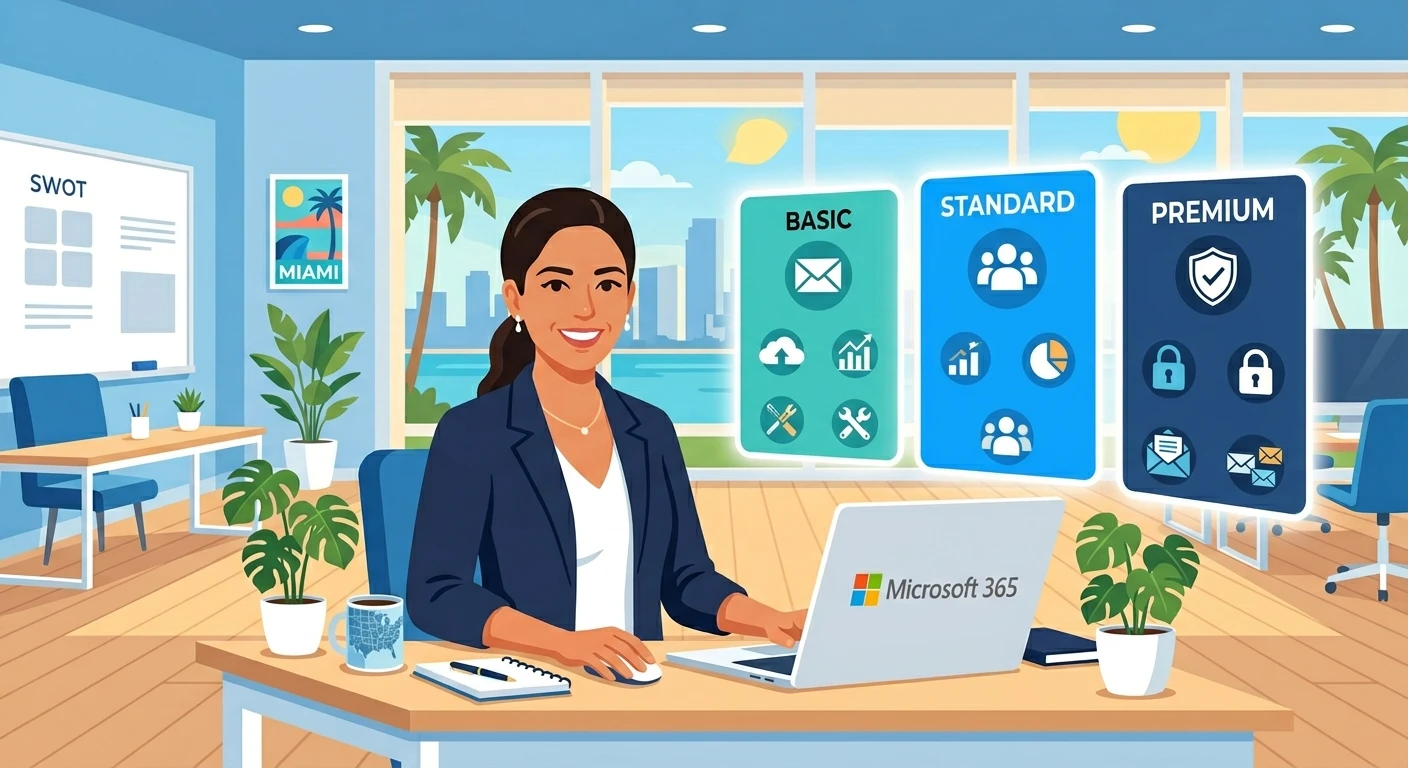
The right Microsoft 365 plan for your small business depends on one question: do your employees need to install Office on their computers? If yes, Standard is the floor. If you also need to control devices and protect against ransomware, Premium is worth the extra $9.50 per user per month. Don’t let the July 1 price increase rush you into the wrong plan, but if you’re already decided on Standard, buying before that date does lock in the current rate.
Get Your Business Set Up on Microsoft 365
Need a fast, reliable website to go with your new business email? Hostinger’s Business Web Hosting includes a free domain and works seamlessly with Microsoft 365 DNS setup.
Get Hostinger Hosting →