What Is a VPN for Small Business? Plain-English Answer (2026)
What Is a VPN for Small Business? Plain-English Answer
⏱ 3-minute readA VPN (Virtual Private Network) for small business is software that creates an encrypted tunnel between your employee’s device and the internet. No one can intercept what they’re sending or receiving. If you have someone working from home, checking email at a coffee shop, or logging into your point-of-sale system remotely, a VPN keeps that connection private. Without one, that traffic is readable by anyone on the same network.
What a VPN for Small Business Actually Does
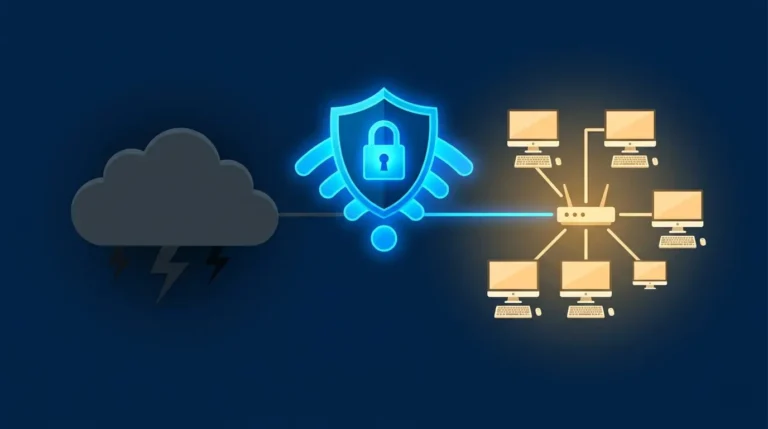
Think of your internet connection as a postcard: anyone who handles it can read it. A VPN puts that postcard inside a sealed, locked envelope. The four things it protects against:
A hacker on the same coffee shop or hotel Wi-Fi can’t read your traffic when you’re on a VPN.
Login credentials and customer data are encrypted in transit. Intercepted packets are unreadable without the decryption key.
Your real IP address (which reveals your location and ISP) is hidden behind the VPN server’s address.
Employees working from home connect to the business network as if they’re sitting in the office.
Do You Actually Need a VPN for Your Small Business?
Yes, if any of these apply to you: employees work from home or travel, you handle customer payment data, your staff logs into your systems from personal devices, or anyone on your team has ever used a hotel or airport Wi-Fi for work. That covers most small businesses.
✓ What You Get
- Encrypted connections on any network
- Remote employees connect safely to office systems
- Protects customer and payment data in transit
- Costs $5–$15/month per user for most business plans
✗ What to Know
- Slows internet speed slightly (usually 10–20%)
- Won’t protect you from phishing or weak passwords
- Employees have to remember to turn it on
- Free VPNs often sell your data. Avoid them.
On Windows, go to Settings → Network & Internet → VPN. If that field is empty and your employees work remotely, you have no VPN protection right now. Most business VPN services (NordLayer, Perimeter 81) take under 10 minutes to deploy for a team of 5.
Who Needs a VPN (and Who Can Skip It)
A VPN for small business is not a luxury. It’s the minimum protection for any team that works outside a single office. The risk it eliminates (intercepted login credentials, exposed customer data) far outweighs the $10/month it costs per person.
Want Stronger Protection?
A VPN handles your connection security. For full device protection against malware, ransomware, and phishing, pair it with a dedicated endpoint security tool.
Try Malwarebytes for Business →