What Is a Firewall for Small Business? Plain-English Answer (2026)
What Is a Firewall for Small Business? Plain-English Answer
⏱ 3-minute readA firewall for small business is a security barrier that sits between your office network and the internet. Every piece of data trying to enter or leave your network passes through it. The firewall checks each one against a set of rules and either lets it through or blocks it. Without one, your network is wide open to automated attacks that scan millions of IP addresses every hour looking for unprotected businesses exactly like yours.
What a Firewall for Small Business Actually Does
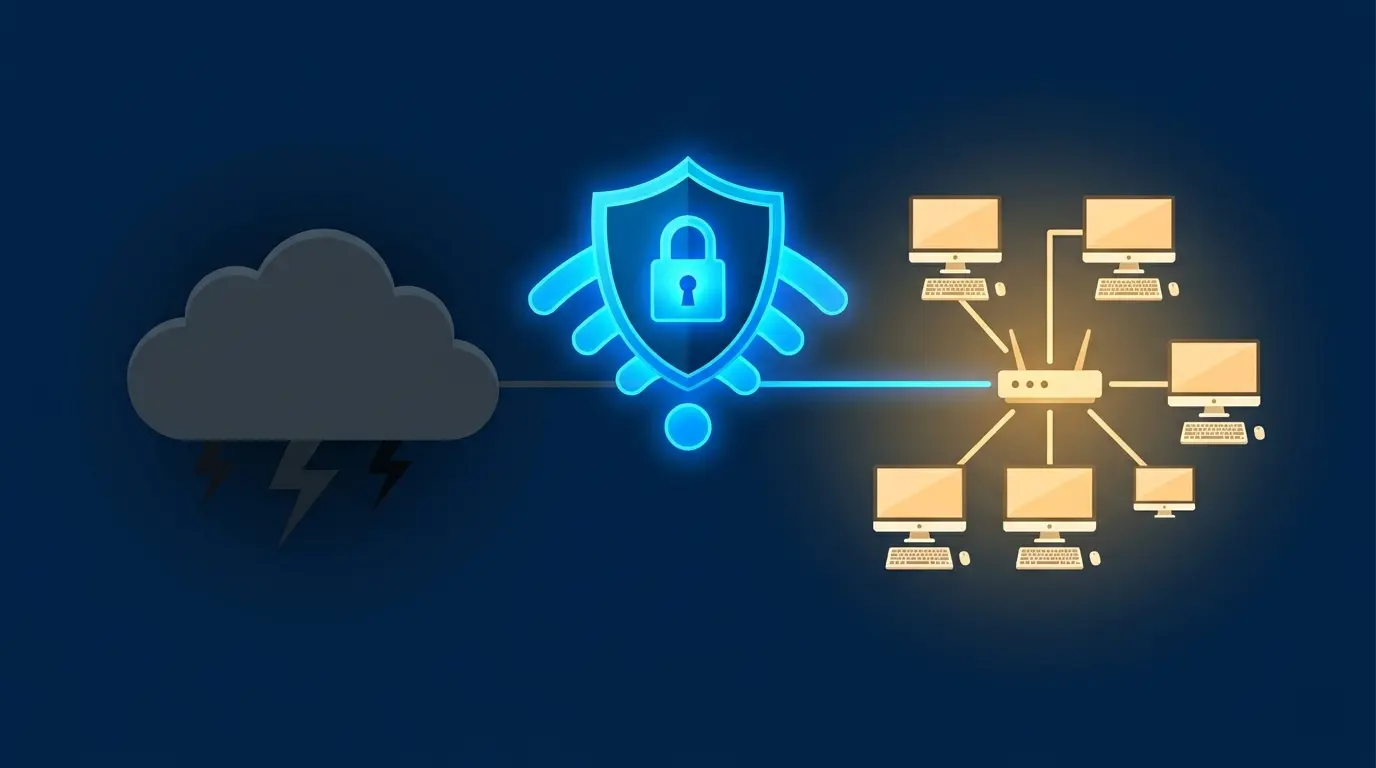
Your router connects you to the internet. Your firewall decides what that connection is allowed to do. Think of the router as the front door and the firewall as the security guard standing at it. The four jobs it handles:
Hackers running automated scans can’t find an open door into your network if the firewall is set up correctly.
Malicious traffic gets filtered before it reaches your computers or POS (point-of-sale) terminals.
Keeps customer Wi-Fi traffic isolated from your internal business network so a guest’s infected phone can’t touch your data.
Records what tried to get in and when, giving you a trail if something goes wrong.
Firewall for Small Business: Hardware vs. Software
There are two types. A hardware firewall is a physical device that plugs into your network and protects every device on it. A software firewall is an app installed on a single computer that only protects that machine. For a business with more than one device, hardware is the right answer. Most business-grade routers from brands like Cisco Meraki, Fortinet, and SonicWall have a firewall built in.
✓ What You Get
- Protects every device on your network at once
- Blocks attacks before they reach your computers
- Guest Wi-Fi stays separate from business systems
- Entry-level hardware starts around $300 to $500
✗ What to Know
- A firewall with bad rules is nearly as bad as no firewall
- Needs firmware updates to stay effective against new threats
- Won’t protect against phishing or weak passwords
- Annual subscription fees apply on most business models
Log into your router admin panel (usually at 192.168.1.1 or 192.168.0.1 in your browser). Look for a “Firewall” or “Security” tab. If it’s turned off or your router is a basic ISP-provided unit with no firewall settings, you have no meaningful protection on your network.
Who Needs a Dedicated Firewall
A firewall for small business is the first line of defense on your network. Antivirus software protects individual devices after a threat gets in. A firewall stops most threats from getting in at all. You need both, but the firewall comes first.
Pair Your Firewall With Device Protection
A firewall guards your network. Malwarebytes guards each device on it. Together they cover the two main ways attackers get into a small business.
Try Malwarebytes for Business →