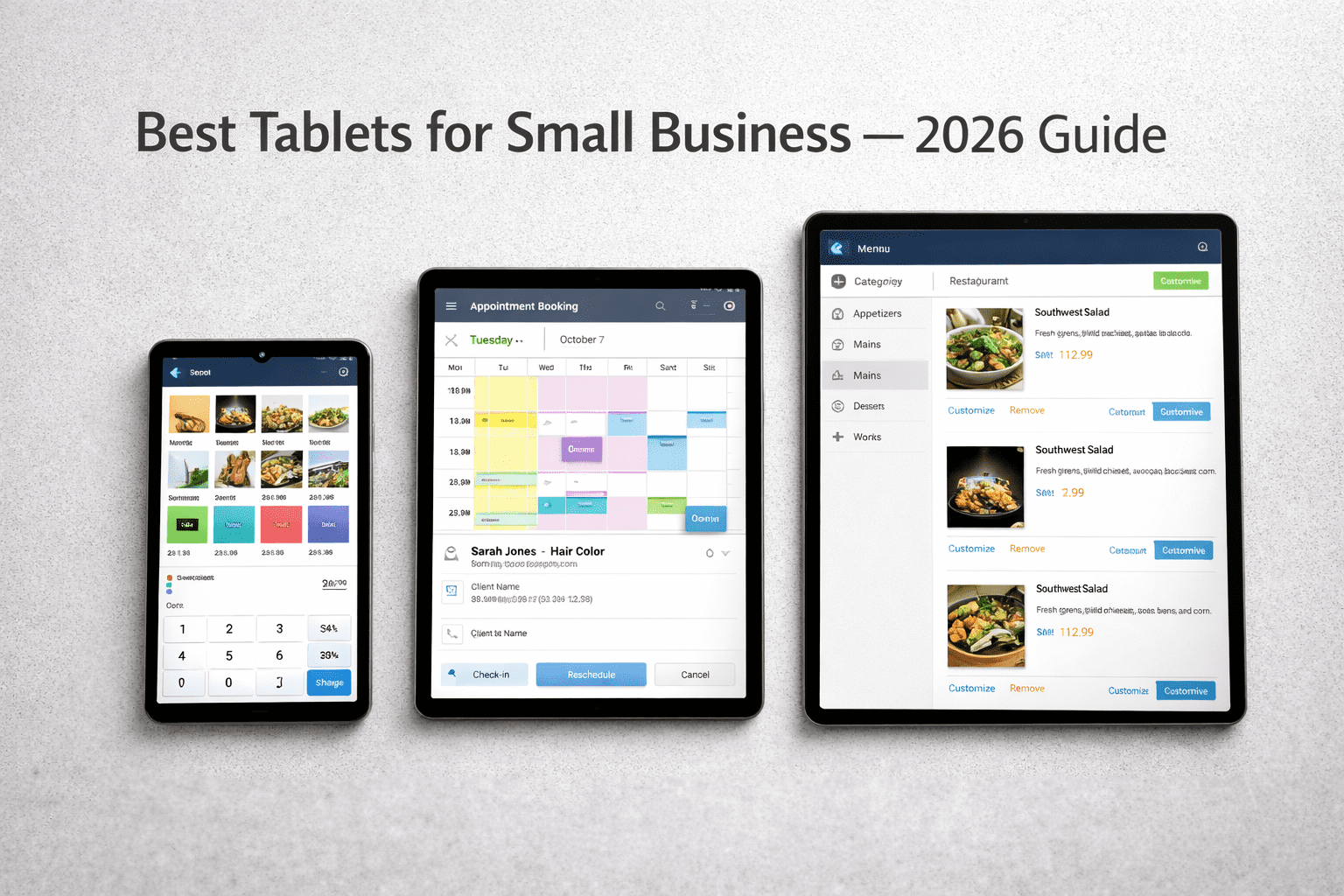
Best Tablets for Small Business in 2026: Fire HD 8, Samsung & Lenovo Compared
Disclosure: This article contains affiliate links. If you purchase through them, we receive a commission at no extra cost to you.
In most small businesses, a tablet ends up doing one specific job — running the POS, showing the menu, managing the appointment book. The problem is buying the wrong one for that job and finding out on a busy Saturday. These are the three best tablets for small business in 2026 at different price points, with a straight answer for who should buy which one.
The Amazon Fire HD 8 (~$90), Samsung Galaxy Tab A9+ (~$220), and Lenovo Idea Tab Pro (~$330). One of them is right for your business. One of them might look right until your main app doesn’t install.
At a glance
Best tablets for small business in 2026: the three options compared
| Tablet | Price | Screen | Battery | Best for |
|---|---|---|---|---|
| Amazon Fire HD 8 (2024) | ~$90 | 8″ HD* | 13 hours | Tight budgets, Amazon ecosystem, basic tasks |
| Samsung Galaxy Tab A9+ | ~$220 | 11″ FHD** | ~12 hours | Most small businesses, daily use, full app support |
| Lenovo Idea Tab Pro | ~$330 | 12.7″ FHD** | ~8 hours | Fixed display, menu boards, waiting room screens |
*HD = 1280×800. **FHD (Full HD) = 1920×1080 or higher — sharper text and images, noticeably better when showing menus or product photos to customers.
Option 1 — ~$90
Amazon Fire HD 8 (2024)
What it does well
- ✓Cheapest option at ~$90 — often drops to $54 on sale
- ✓13-hour battery — outlasts both competitors
- ✓Compact enough to sit next to a register without taking up counter space
- ✓Hands-free Alexa built in
- ✓Expandable storage via microSD card — a small memory card that slides into the side, available at any electronics store for under $20
Where it falls short
- ✗No Google Play Store — limited app selection
- ✗Many business apps not available on Amazon App Store
- ✗8″ screen is small for side-by-side multitasking
- ✗Amazon ads on lock screen (removable for $15 extra)
The app store problem — check this before you buy
The Fire HD 8 runs Amazon’s Fire OS — not standard Android. That means no Google Play Store. Before buying, search your specific app at amazon.com/appstore. If it’s not there, the Fire HD 8 won’t work for that use case no matter how cheap it is.
Confirmed available on Amazon App Store: Square, Clover, Amazon Alexa, Netflix, Zoom
Not available on Amazon App Store: Toast, Mindbody, Shopify POS, QuickBooks, Google Workspace apps
The Fire HD 8 is the best tablet you can buy under $100 — and there’s nothing close. The 13-hour battery is genuinely impressive at this price. If your app is on the Amazon App Store, this is a serious bargain.
Option 2 — ~$220
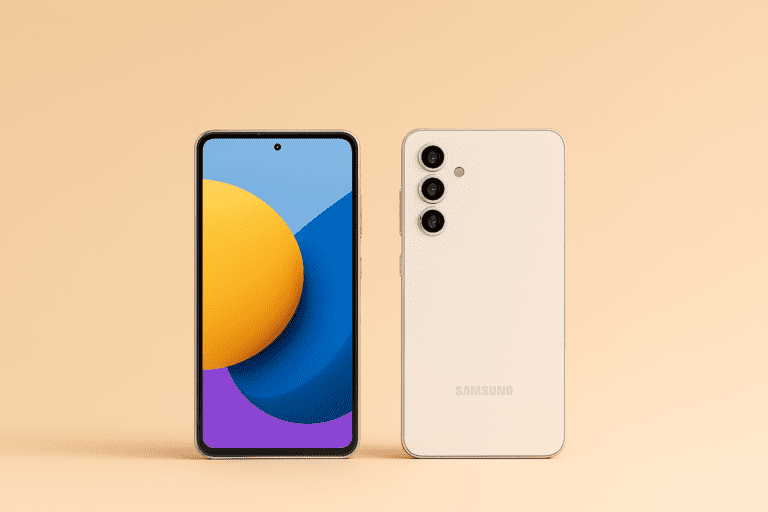
Samsung Galaxy Tab A9+
What it does well
- ✓Full Google Play Store — every business app available
- ✓11″ screen — big enough for a counter display, small enough not to dominate the space
- ✓Quad speakers loud enough for a waiting room or counter — no external speaker needed
- ✓Expandable storage up to 1TB via microSD card
- ✓Face unlock works fast — faster than typing a PIN when handing the tablet to a customer
Where it falls short
- ✗No fingerprint sensor — face unlock only
- ✗Base model is 64GB — fills up faster than you’d expect. Buy the 128GB version, which gives you enough space for apps, photos, and a year of business use without running out of room
- ✗$130 more than the Fire HD 8
Why this is the right choice for most small businesses
The Tab A9+ runs full Android with Google Play Store. That means Square, Toast, Mindbody, Shopify, QuickBooks, and every other business app works without question. The 11″ screen is the right size for a counter display. It’s the tablet that just works for whatever your business needs — no app compatibility surprises.
At $220 it’s $130 more than the Fire HD 8, but it’s $130 that buys you access to every app that exists and a screen big enough to actually use. For a restaurant running Toast, a salon using Mindbody, or a retailer on Shopify POS — this is the practical choice. Buy the 128GB version, not the 64GB.
Option 3 — ~$330
Lenovo Idea Tab Pro
What it does well
- ✓12.7″ screen — biggest display at this price point
- ✓8 JBL speakers — loud and clear enough to fill a waiting room
- ✓Full Android with Google Play Store
- ✓128GB storage standard — no upgrade needed
- ✓Solid build — feels durable enough on a counter all day
Where it falls short
- ✗~8 hours battery — in a full-day restaurant environment, it will need a mid-day charge. Plan for that or choose the Samsung
- ✗Large and heavy — not the right tablet to hand to a customer
- ✗Most expensive of the three
The Lenovo makes sense for one situation: it lives on a stand and never moves. Menu board, waiting room display, trade show counter — if that’s the job, the screen and speakers justify the price. If the tablet moves around during the day, the battery won’t keep up.
The decision
Which of the best tablets for small business is right for you in 2026?
Best for most small businesses: Samsung Galaxy Tab A9+
Full app store, right screen size, reliable all day. This is the safe choice for a restaurant, salon, retail shop, or office that needs a tablet that runs any app without limitation. Buy the 128GB version.
Best if budget is the only factor: Amazon Fire HD 8
Unbeatable at $90. Verify your specific app is available on Amazon’s App Store before buying. If it is — this is a serious bargain. If it isn’t — pay the extra $130 for the Tab A9+.
Best for fixed display use: Lenovo Idea Tab Pro
If the tablet stays on a stand all day — a menu display, waiting room screen, or client-facing counter — the larger screen and better audio justify the extra cost. The Lenovo is the right call for one specific use case — a fixed screen that never moves. If that’s not you, it’s not your tablet.
Before you buy
Five questions to answer before spending anything
The best tablet for your small business in 2026 isn’t always the cheapest one — it’s the one that runs the app your business depends on without breaking down in the middle of a Saturday rush. For most small businesses, that’s the Samsung Galaxy Tab A9+. For the tightest budgets with simple needs, the Fire HD 8 is genuinely hard to beat at $90. The Lenovo is the right call for one specific use case — a fixed screen that never moves. If that’s not you, it’s not your tablet.
Once the tablet is set up, make sure it’s not the weakest link in your security setup. Here’s how to lock down your business accounts with two-step verification — works for Microsoft, Google, and any platform your tablet connects to. And if you’re also thinking about where your business files live, here’s our guide to cloud storage for small business.