Best Mesh WiFi for Small Business 2026: What Actually Works
Best Mesh WiFi for Small Business 2026
If your staff or customers keep hitting dead zones, one router is not the fix. This guide covers what mesh WiFi actually is, which systems work in small commercial spaces, and what to buy today without overspending.
Mesh WiFi for small business is the answer when a single router leaves half your space with weak signal. Instead of one box fighting walls, thick ceilings, and concrete columns, a mesh system spreads multiple nodes around your space so every corner gets a real connection. For restaurants, salons, and retail shops in Miami, that usually means two to three nodes covers everything from the front counter to the stockroom.
In this guide
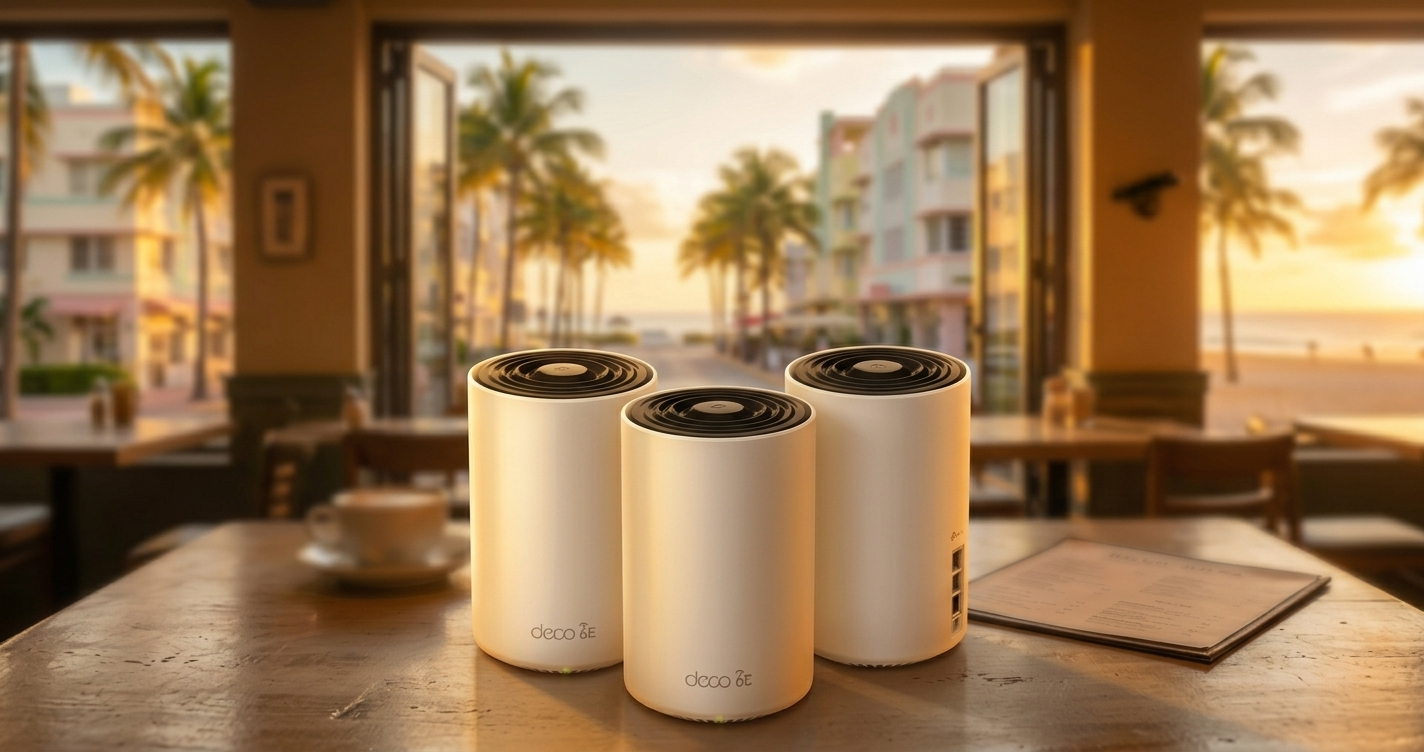
The TP-Link Deco XE75 3-Pack is the right call for most small businesses
At $197.99, it covers 7,200 sq. ft., handles 200 devices, and sets up in under 20 minutes via a phone app. The Pro version adds 2.5G ports for faster wired backhaul, which matters if you’re running a POS system or security cameras on the same network. Both are solid. Most businesses under 3,000 sq. ft. do not need the Pro.
Mesh vs. single router: which do you need?
A single router sends signal from one point. If your business has more than one room, a thick wall, or a layout that isn’t a straight line from the modem, signal drops before it reaches the far end of the space. A mesh system (or “mesh network”) uses multiple nodes, usually two or three, placed at intervals around the space. Each node talks to the others and to your devices, picking whichever path delivers the strongest signal.
The practical difference: your POS tablet in the back office stays connected during rush hour. Your security cameras do not drop off at night. Customers can actually use your guest WiFi from the patio. One router, especially a cheap ISP-supplied modem/router combo, cannot reliably do any of that in a commercial space.
If your space is over 1,500 sq. ft. OR has more than one room, buy a mesh system. If you’re a single-room office under 1,000 sq. ft., a good single router (see our best WiFi router for small business guide) is enough.
Top picks for small business mesh WiFi in 2026
These two cover the range from “budget-smart” to “serious infrastructure.” Both are TP-Link Deco systems because the setup app is genuinely the easiest on the market for non-technical owners, and the hardware holds up in commercial environments.
- Covers up to 7,200 sq. ft.
- Supports 200 devices
- WiFi 6E: 2.4 GHz + 5 GHz + 6 GHz bands
- 3 Gigabit ports per node
- Deco app setup in under 20 min
- Free HomeShield basic security plan
- 2-year warranty
- Everything in the XE75, plus:
- 2.5G WAN/LAN port per node
- Wired backhaul via 2.5G connection
- Better for POS + camera setups
- Ideal for multi-gig internet plans
Side-by-side comparison
Here is how the two main picks stack up, and how they compare to a generic ISP router.
| Feature | Deco XE75 3-Pack | Deco XE75 Pro 3-Pack | ISP Router (typical) |
|---|---|---|---|
| Coverage | 7,200 sq. ft. | 7,200 sq. ft. | 1,000-1,500 sq. ft. |
| Max devices | 200 | 200 | 30-50 |
| WiFi standard | WiFi 6E (AXE5400) | WiFi 6E (AXE5400) | WiFi 5 or WiFi 6 |
| Bands | 2.4 + 5 + 6 GHz | 2.4 + 5 + 6 GHz | 2.4 + 5 GHz |
| Wired backhaul | 1G Ethernet | 2.5G Ethernet | N/A |
| Guest network | Yes | Yes | Sometimes |
| App management | Deco app | Deco app | Browser-based |
| Price (3-pack) | $197.99 | $259.99 | Free (from ISP) |
Pros
- Dead-zone elimination across the whole space
- One network name for staff and POS devices
- Guest network keeps customers off your main network
- Deco app lets you manage everything from your phone
- Scales: add a node later if you expand
- Works with any ISP modem
Cons
- Requires power outlet near each node location
- Deco app needs internet to manage: no app access during an outage
- HomeShield advanced features cost extra after the free tier
- 6 GHz band only useful if your devices support WiFi 6E
- Not a replacement for a wired Ethernet setup in high-demand environments
How to set up mesh WiFi for your small business
The Deco XE75 setup takes about 15 to 20 minutes. Here is the exact process.
Setup steps: TP-Link Deco XE75
Place nodes no more than 40 feet apart in open spaces, 25 feet apart if there are walls between them. In the Deco app, go to More → Deco Network → your node name to check its signal strength to the main unit. If it shows “Fair” or “Poor,” move it 10 feet closer. “Good” or “Excellent” is what you want at every node.
I set up a Deco XE75 3-Pack at a Wynwood restaurant last fall. The owner had a single Xfinity modem/router combo and the WiFi died completely past the bar area. Credit card terminals in the back would time out during dinner service. We placed one Deco node near the front host stand, one above the bar, and one in the back office near the POS server. Total setup time: 18 minutes. No more terminal timeouts, and the dining room camera stopped dropping off the NVR. The owner texted me two weeks later to say it had not gone down once.
Carlos Mendoza, network engineer, Miami FLWho should buy a mesh WiFi system?
Ready to fix your WiFi dead zones?
The Deco XE75 3-Pack is the right buy for most small businesses at $197.99. If you’re running multi-gig internet or need wired backhaul between nodes, step up to the XE75 Pro.
Shop TP-Link Deco XE75 3-PackNot sure if you need mesh? Read our WiFi router guide for small business →
