Router Security for Small Business (2026): FBI Warning + 7-Step Hardening Guide
Router Security for Small Business (2026): FBI Warning + 7-Step Hardening Guide
Your router is the front door to every device in your business. In March 2026, the FBI confirmed that hackers had quietly hijacked routers at thousands of small offices across the U.S. and were renting out access to criminals. Owners never noticed a thing. If router security for small business isn’t on your checklist right now, this article will show you exactly what happened and the seven steps to lock it down today.
📋 Table of Contents
Two FBI actions in early 2026 named 18 specific router models compromised by malware. If your router is on the list below, replace it immediately. If it’s not, run through the 7-step hardening checklist in this article. Most fixes take under 15 minutes and require no technical background.
What the FBI Found: The Router Security Threat Hitting Small Businesses in 2026
In March 2026, the FBI released a FLASH notice (an urgent alert sent to businesses and law enforcement) identifying 18 router models infected with malware called AVrecon (short for AV-evasion recon malware). Attackers exploited known security flaws in these older, unpatched routers to install AVrecon silently. Once installed, the malware opened a hidden connection that gave criminals full remote control of the device.
Those criminals didn’t use your router to steal your data directly. They did something more profitable: they sold access to your network through a criminal service called SocksEscort. Businesses and individuals paid to route their illegal internet traffic through your connection, making it look like it came from your legitimate office IP address. Banking fraud, romance scams, password attacks, and ad fraud were all run through compromised routers like yours. The FBI estimates access to roughly 369,000 devices was sold through SocksEscort since 2020 across more than 160 countries.
Then in April 2026, the FBI and DOJ announced a separate court-authorized operation called Operation Masquerade. Russian military hackers from a unit called GRU Military Unit 26165, also known as Fancy Bear, had used compromised small office and home office routers across at least 23 U.S. states to conduct espionage operations. The FBI physically neutralized the U.S. portion of that network. GRU is Russia’s military intelligence agency, and this was state-sponsored spying running through the same type of router sitting in your back office right now.
Your router can be fully compromised and show zero symptoms. Internet speed stays normal. Nothing looks wrong. The only way to know is to check your model against the FBI list and audit your router settings. Both are covered below.
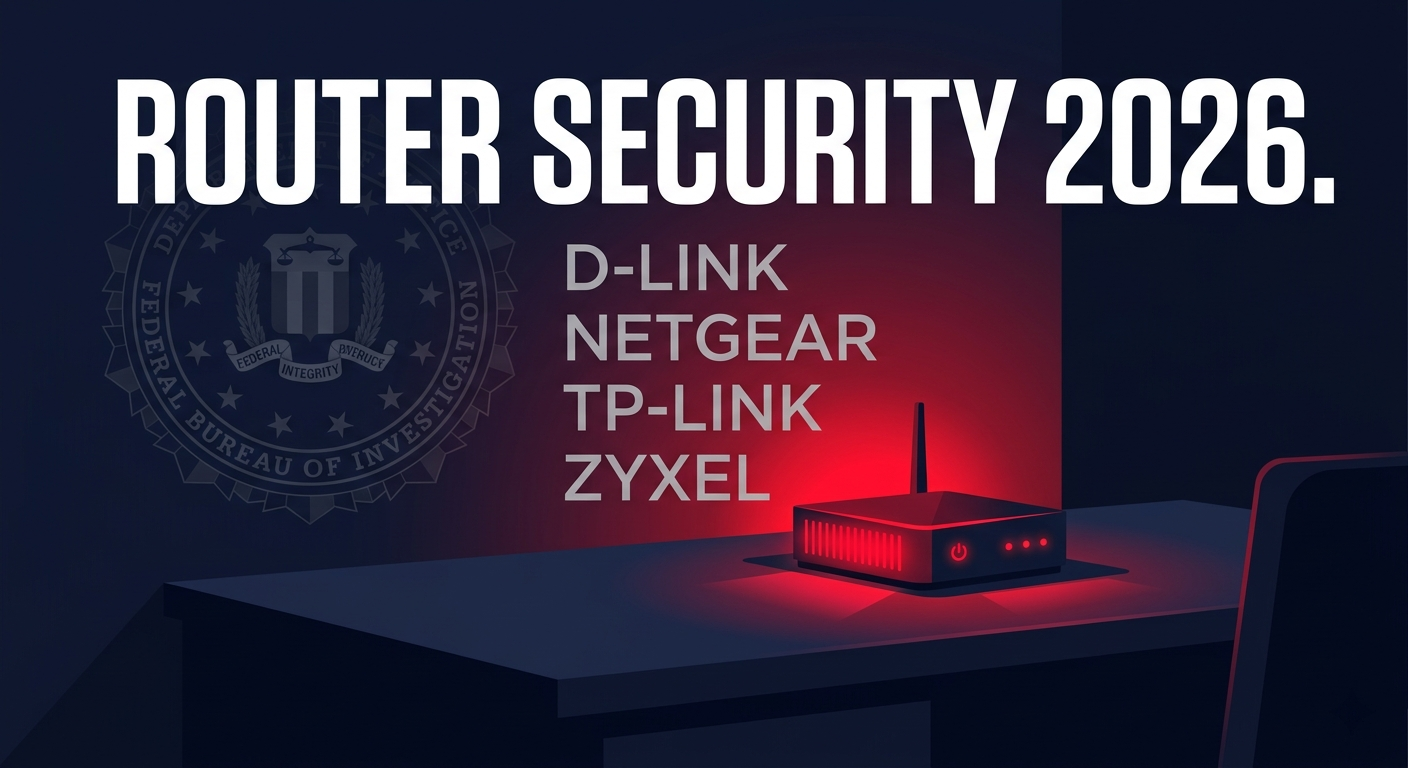
Is Your Router on the FBI’s List? Check These 18 Models
All 18 models share the same problem: they are end-of-life devices that no longer receive firmware updates from their manufacturers. Firmware is the software that runs your router. Without updates, known security holes stay open permanently.
| Brand | Model Numbers | Status |
|---|---|---|
| D-Link | DIR-818LW, DIR-850L, DIR-860L | Replace Now |
| Netgear | DGN2200v4, AC1900 R7000 | Replace Now |
| TP-Link | Archer C20, TL-WR840N, TL-WR849N, WR841N | Replace Now |
| Zyxel | EMG6726-B10A, PMG5617GA, VMG1312-B10D, VMG1312-T20B, VMG3925-B10A, VMG3925-B10C, VMG4825-B10A, VMG4927-B50A, VMG8825-T50K | Replace Now |
Not on the list? You’re not automatically safe. The FBI’s notice covered 1,200 device models total. These 18 were just the most frequently compromised. Any router that no longer receives firmware updates from its manufacturer is vulnerable to the same type of attack. Check your router’s model number (printed on the bottom label) against your manufacturer’s end-of-life list.
To find your router’s model number without touching the hardware: open a browser, type 192.168.1.1 in the address bar, and log in to your router admin panel. The model number and current firmware version appear on the main status page. Compare the firmware version to what’s listed under Support on the manufacturer’s website — if they match, you’re current. If not, update immediately.
Router Security for Small Business: 7-Step Hardening Checklist
These steps apply to any current router, whether you just replaced an old one or you’ve had your current model for two years. Run through this list once and you’ll have closed the most common entry points attackers use against small business networks.
📋 7-Step Router Security Hardening Guide
Update firmware right now. Log into your router admin panel at 192.168.1.1 (or 192.168.0.1 for some models). Go to Administration or Advanced and look for Firmware Update or Router Update. Click Check for Updates and install anything available. On most routers this takes under 5 minutes and the router reboots automatically.
Change the default admin password. Every router ships with a default password like “admin” or “password” that is publicly documented and the first thing attackers try. In your admin panel, go to Administration or System and find Admin Password or Change Password. Use at least 16 characters with a mix of letters and numbers. Write it on a label and stick it to the bottom of the router.
Disable remote management. This is the setting that lets someone log into your router from outside your building. You almost certainly don’t need it. Go to Administration or Remote Management and make sure it is set to Disabled. On Netgear routers, this is under Advanced → Remote Management. On TP-Link, it’s under Security → Remote Management.
Change your WiFi network name (SSID). Default names like “NETGEAR_5G” or “TP-Link_2.4G” broadcast your router brand to anyone scanning nearby networks, which tells an attacker exactly which vulnerabilities to try. Go to Wireless → Wireless Settings and rename both your 2.4GHz and 5GHz networks to something that doesn’t identify the brand or your business name.
Enable WPA3 encryption. WPA3 is the current WiFi security standard (WPA stands for Wi-Fi Protected Access). WPA2 is still acceptable if your router doesn’t support WPA3, but WEP or WPA are outdated and should never be used. Find this under Wireless → Security Mode or Wireless Security. Select WPA3-Personal or WPA2/WPA3 mixed if you have older devices that don’t support WPA3.
Set up a separate guest network for customers. Every restaurant, salon, and retail shop with customer WiFi needs this. Go to Wireless → Guest Network and enable it as a separate network with its own password. This keeps customer devices completely isolated from your point-of-sale system, security cameras, and back-office computers. On Asus routers, this is under Wireless → Guest Network. On Netgear, it’s under Setup → Wireless Settings → Guest Network.
Enable automatic firmware updates if available. Not all routers have this, but check under Administration → Firmware Update for an option to automatically install updates. If your router doesn’t support auto-updates, set a calendar reminder to check manually every 90 days. Unpatched firmware is how AVrecon got in.
A flower shop in Doral called me after their bank flagged unusual activity on their business account. Nothing had been stolen, but the fraud alert mentioned their IP address showing up in a credential stuffing attack. Someone was using their internet connection to try stolen usernames and passwords against other businesses. Their router was a TP-Link TL-WR840N, one of the exact models on the FBI’s AVrecon list. It was running firmware from 2019 with remote management turned on and the default admin password still set. We replaced the router the same day with an ASUS ExpertWiFi EBR63 and ran through the full hardening checklist. No issues since.
— Carlos Mendoza, Network Engineer · Miami, FLWhat to Do If Your Router Is Already Compromised
If your model is on the FBI list, a factory reset alone is not enough. The FBI explicitly warned that some AVrecon variants can disable the factory reset function, and even a successful reset won’t fix the underlying vulnerability that let the malware in. The right move is replacement.
End-of-life routers have no firmware patch coming. A reset clears the malware temporarily. The same hole remains open.
Before replacing, log into your admin panel and check the traffic logs under Status or Logs. Unexplained outbound connections to unfamiliar IP addresses are a red flag.
Malwarebytes for Teams can scan devices connected to your network and flag compromised endpoints. Good to run after replacing the router to confirm clean devices.
If your router was on the FBI list and you suspect active compromise, file a report at ic3.gov — the FBI’s Internet Crime Complaint Center.
✓ Signs Your Router Is Probably Clean
- Model is not on the FBI list
- Firmware is current as of 2025 or 2026
- Default admin password has been changed
- Remote management is disabled
- No unexplained outbound connections in traffic logs
✗ Red Flags to Investigate
- Model appears on the FBI list above
- Last firmware update was before 2023
- Still using the factory default admin password
- Remote management is enabled and you didn’t turn it on
- Internet feels slower than normal for no clear reason
Which Router to Buy as a Replacement
For most small businesses under 2,000 square feet with under 30 connected devices, the ASUS ExpertWiFi EBR63 is the right call. It’s built specifically for small business use, supports WPA3, receives regular firmware updates from ASUS, and includes a dedicated guest network with bandwidth controls. For a full comparison of current small business routers, see our Best WiFi Router for Small Business guide.
Who Needs to Act on This Right Now
Router security for small business isn’t a one-time fix — it’s a 15-minute annual audit. Run through the 7-step checklist above, check your model against the FBI list, and confirm your firmware is current. The businesses that got caught in the AVrecon operation weren’t targeted because they were valuable. They were targeted because they were easy. Don’t be easy.
Add a Security Layer Beyond the Router
Malwarebytes for Teams scans every device on your network and blocks malware before it reaches your router or point-of-sale system. Starts at $49.99 per device per year.
Try Malwarebytes for Teams →