What Is Patch Management for Small Business? (2026) | TechPymes
What Is Patch Management for Small Business?
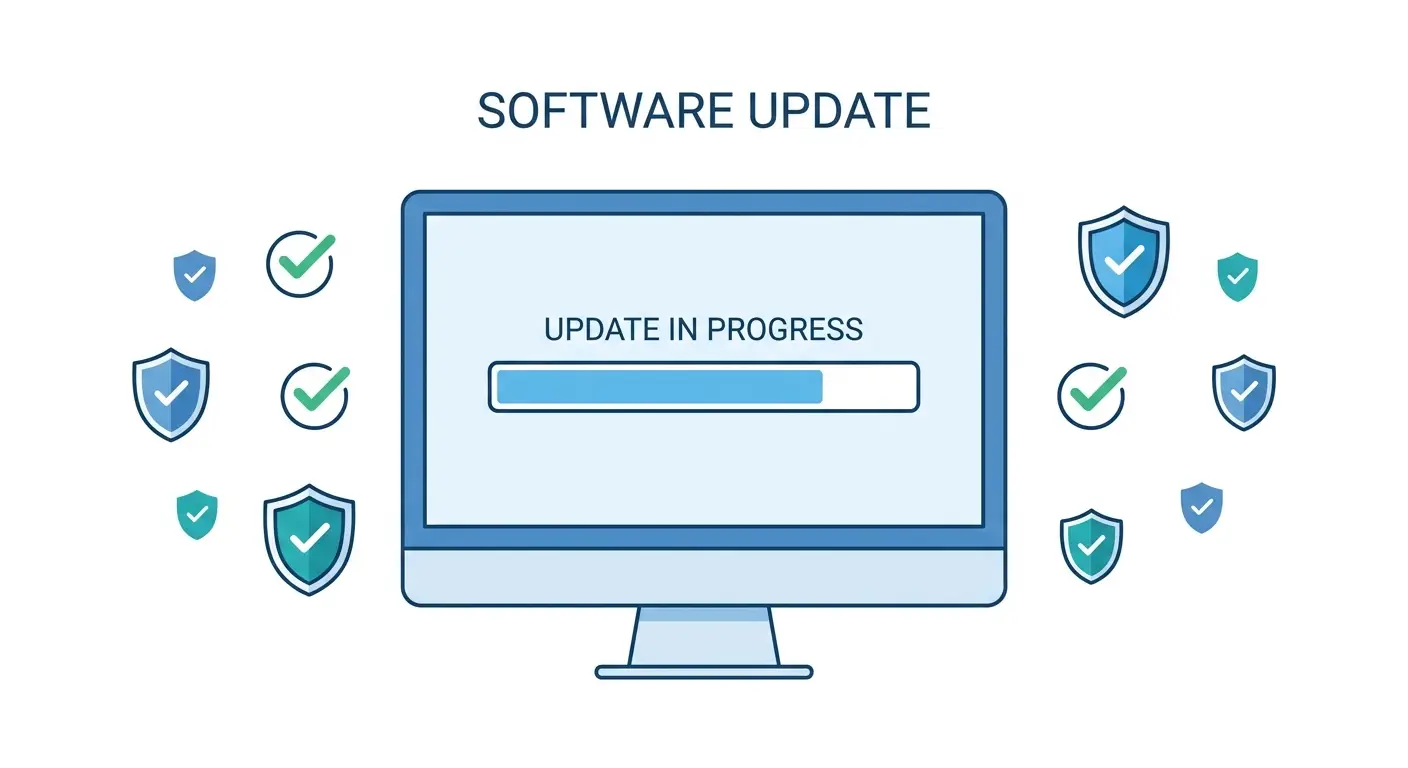
Patch management for small business is the process of keeping the software on your computers up to date — on a schedule, not whenever someone remembers to click “Install.” A patch is a small code fix that closes a security hole or fixes a bug in an app or operating system (OS). Patch management is simply making sure those fixes get applied before attackers exploit the holes.
Windows security updates that close vulnerabilities in the core system. Microsoft releases these every second Tuesday of the month.
Updates for third-party software like Chrome, QuickBooks, or Adobe. Windows Update does not cover these — they need separate attention.
Fixes for hardware like routers and printers. Often skipped because they’re invisible, but a vulnerable router puts your whole network at risk.
Deciding when patches install so they don’t interrupt business hours. Windows Active Hours handles this for the OS automatically.
✓ Why It Matters
- Closes vulnerabilities before attackers use them
- Reduces ransomware risk at zero cost
- Keeps software stable and crash-free
- Automatic options require no ongoing effort
✗ What It Won’t Do
- Won’t protect you from zero-day attacks before a patch exists
- Won’t update non-Microsoft apps on its own
- A bad patch can occasionally break a specific app
- Does not replace antivirus or endpoint protection
For Windows, go to Settings → Windows Update → Advanced options → Active hours and set your business hours. For Chrome, go to Menu (three dots) → Help → About Google Chrome and it updates on the spot. Do both and you’ve covered the two most targeted attack surfaces on any small business computer.
Who Needs to Think About This
Patch management for small business does not require special software or an IT team. Automatic Windows Updates plus a weekly check of third-party apps covers 90% of the risk. For the full setup guide, read Windows Updates for Small Business: Why They Matter and How to Stop Dreading Them.
Add a Security Layer Patches Can’t Cover
Patches close known holes. Malwarebytes for Teams blocks the threats that slip through before a patch even exists — ransomware, phishing sites, and fake update scams.
Try Malwarebytes for Teams →