How to Stop Spam Calls: What Actually Works in 2026
How to Stop Spam Calls: What Actually Works in 2026
Your carrier already has free tools that block most robocalls. Here’s how to turn them on — plus which apps to add when the calls keep coming.
Why spam calls are getting worse
Unwanted calls increased 15.6% in 2025 compared to the year before, hitting 29.6 billion total — the highest volume in four years, according to YouMail, a robocall-tracking company whose data the FCC (Federal Communications Commission) cites directly. AI-generated voices have made the problem harder to detect: voice cloning now lets scammers sound like a real person, and nearly half of Americans say they couldn’t tell the difference.
Most calls come from autodialers — software that dials thousands of numbers simultaneously, plays a recorded message, and moves on. Scammers get your number from data brokers, leaked databases, and forms you filled out years ago.
“I set up the phone system for a hair salon in Hialeah last year. The owner was getting 15–20 spam calls a day — enough that staff started letting real clients go to voicemail. We turned on T-Mobile Scam Shield at the account level, enabled the built-in iPhone filter, and added YouMail as a virtual receptionist layer. Calls dropped to two or three a week. She hadn’t known any of those tools existed.”
How to stop spam calls: start with your carrier
Every major carrier offers free spam filtering. Most people have never activated it. These tools work at the network level — they screen calls before your phone even rings, which is why they outperform blocking numbers one by one after the fact.
AT&T — ActiveArmor
- Open the App Store (iPhone) or Google Play (Android) and search AT&T ActiveArmor
- Install and sign in with your AT&T account credentials
- Tap Call Protect in the bottom navigation
- Toggle on Fraud Calls and Spam/Telemarketing
- Optional: tap Nuisance Calls to also block robopolls and political calls
The free version automatically blocks suspected fraud calls and sends spam to voicemail. ActiveArmor Plus ($3.99/month) adds reverse number lookup and identity monitoring.
Verizon — Call Filter
- Search Verizon Call Filter in the App Store or Google Play and install
- Sign in with your My Verizon credentials
- Tap Spam Filter from the home screen
- Toggle on Auto Block High Spam Risk
- Set Medium Spam Risk to “Send to Voicemail” — avoids blocking borderline-legitimate calls
Call Filter Plus ($2.99/month) adds a spam risk score on the incoming call screen and a personal block list that syncs across your devices.
T-Mobile — Scam Shield
- Search T-Mobile Scam Shield in the App Store or Google Play and install
- Sign in with your T-Mobile ID
- Tap Scam Block and toggle on
- Shortcut: Skip the app entirely — dial
#662#from your T-Mobile phone. You’ll receive a confirmation text that Scam Block is active.
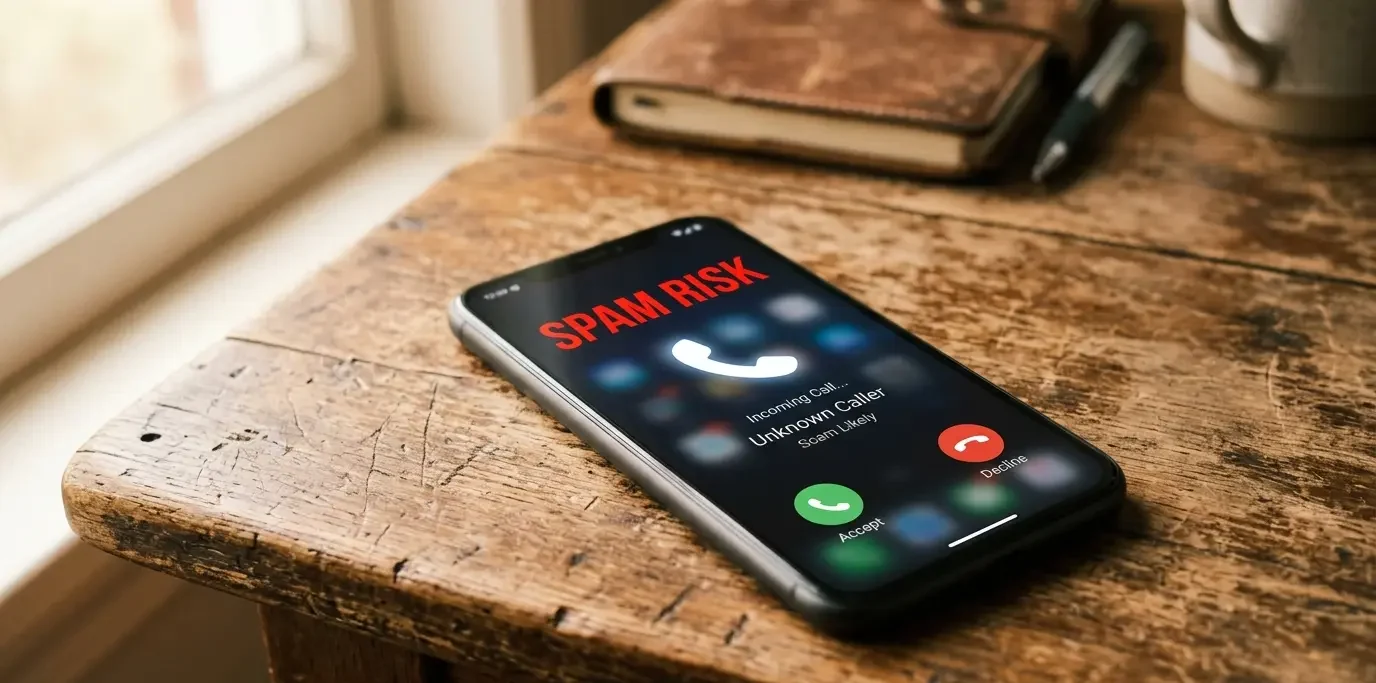
T-Mobile blocks flagged calls at the network level — your phone never rings. For “Scam Likely” calls that still get through, tap the number in Recents and select Block & Report Spam.
Smaller carriers (Mint, Boost, Cricket, Metro)
Log in to your account online or in the carrier’s app and look for a Call Blocking, Spam Filter, or Security section. Most of these carriers run on T-Mobile or AT&T’s network and have access to the same underlying blocking infrastructure, sometimes under a different name.
Turn on your phone’s built-in spam filter
Carrier filtering and device filtering work independently — carrier tools stop calls before they ring, device filtering catches whatever slips through. Run both.
iPhone — Silence Unknown Callers
- Open Settings
- Tap Phone
- Tap Silence Unknown Callers and toggle on
Any number not in your contacts, not in your recent outgoing calls, and not found in your Mail or Messages gets silenced and sent to voicemail automatically. This is aggressive — you’ll miss some legitimate first-time callers — but if you’re getting 10+ spam calls a day, it’s worth it. Check voicemail regularly.
Android — Caller ID and Spam Protection
- Open the Phone app
- Tap the three-dot menu → Settings → Caller ID & Spam
- Toggle on See Caller & Spam ID
- Toggle on Filter Spam Calls
On Samsung: Phone app → three-dot menu → Settings → Spam and Call Screen. Enable Check incoming numbers and Call-screen service.
Landline — Star codes
- Dial
*77to block all calls from private or anonymous numbers. You’ll hear a confirmation tone. Callers hiding their number will hear “this number does not accept private calls.” - Dial
*87to turn off anonymous call blocking when you need to receive private-number calls. - AT&T digital home phones: dial
*61to block the last number that called you, or*60to open a manual block list.
Best apps to stop spam calls (free and paid)
If carrier tools and device settings aren’t enough, a third-party app adds a third filtering layer. These apps maintain databases of known spam numbers updated in real time by millions of user reports.
| App | Platform | Cost | Best For |
|---|---|---|---|
| YouMail | iOS / Android | Free$5.99–$34.99/mo | Replaces voicemail; plays a “disconnected” message to spammers so they remove your number from their list |
| Hiya | iOS / Android | Free$3.99/mo | Caller ID + automatic blocking; powers AT&T ActiveArmor’s back-end database |
| Truecaller | iOS / Android | Free$2.99/mo | Largest global caller-ID database; strong for identifying numbers you’ve never seen |
| RoboKiller | iOS / Android | $4.99/mo | Answers spam calls with bots that waste the spammer’s time; most aggressive option |
| Call Control | iOS / Android | Free$3.99/mo | Community-sourced block list (CommunityIQ); good for blocking local area-code spoofing patterns |
Start with YouMail’s free tier. The “disconnected number” playback alone cuts repeat calls because robocall software automatically removes numbers that appear disconnected from its list.
What the Do Not Call Registry does (and doesn’t do)
The National Do Not Call Registry, run by the FTC (Federal Trade Commission), tells legitimate telemarketers not to call your number. Registration is free at donotcall.gov — enter up to three numbers, confirm your email, done. Takes 31 days to take effect.
The problem: scammers don’t check the registry. They’re already breaking the law. The FCC shut down roughly 1,400 phone companies in August 2025 accused of carrying illegal robocall traffic — but new ones keep appearing. Use the registry as one layer, not your only defense.
If you get a robocall without giving written permission, it’s illegal. Report at donotcall.gov (no financial loss) or ReportFraud.ftc.gov (if you lost money). Reports feed enforcement databases that lead to fines and shutdowns.
- Download your carrier’s app (ActiveArmor / Call Filter / Scam Shield) and toggle on fraud and spam blocking
- iPhone: Settings → Phone → Silence Unknown Callers → On
- Android: Phone app → Settings → Caller ID & Spam → Filter Spam Calls → On
- Landline: Dial
*77to block anonymous-number calls - Register at donotcall.gov — 2 minutes, reduces legitimate telemarketer calls
- Install YouMail (free) to replace your voicemail with a disconnected-number message for spammers
- Never press any key during a robocall — it confirms your number is active and increases future volume
How to stop spam calls for good: what works and what doesn’t
✓ What works
- Carrier-level blocking (Scam Shield, Call Filter, ActiveArmor)
- iPhone Silence Unknown Callers
- Android Caller ID & Spam filter
- Landline *77 anonymous call block
- YouMail “disconnected” voicemail trick
- Reporting calls to donotcall.gov
✗ What doesn’t work
- Saying “remove me from your list” — confirms your number is active
- Blocking numbers one by one — they rotate through thousands
- Answering to “see what they want” — triggers more calls
- Calling the number back — some charge per-minute fees
- Relying on the Do Not Call Registry alone — scammers ignore it
Bottom line on how to stop spam calls
This isn’t a one-step fix, but it’s not complicated either. Turn on your carrier’s free blocking app, enable your phone’s built-in filter, and add YouMail if calls keep coming. Those three steps cut volume by 80–90% for most people within a week.
The goal isn’t zero spam calls forever — not realistic at 29.6 billion robocalls a year — but you can reduce them to background noise. Most of the tools are free and take five minutes to set up.